Free Sloth SVG – Lazy Mode Design for Cricut & Silhouette
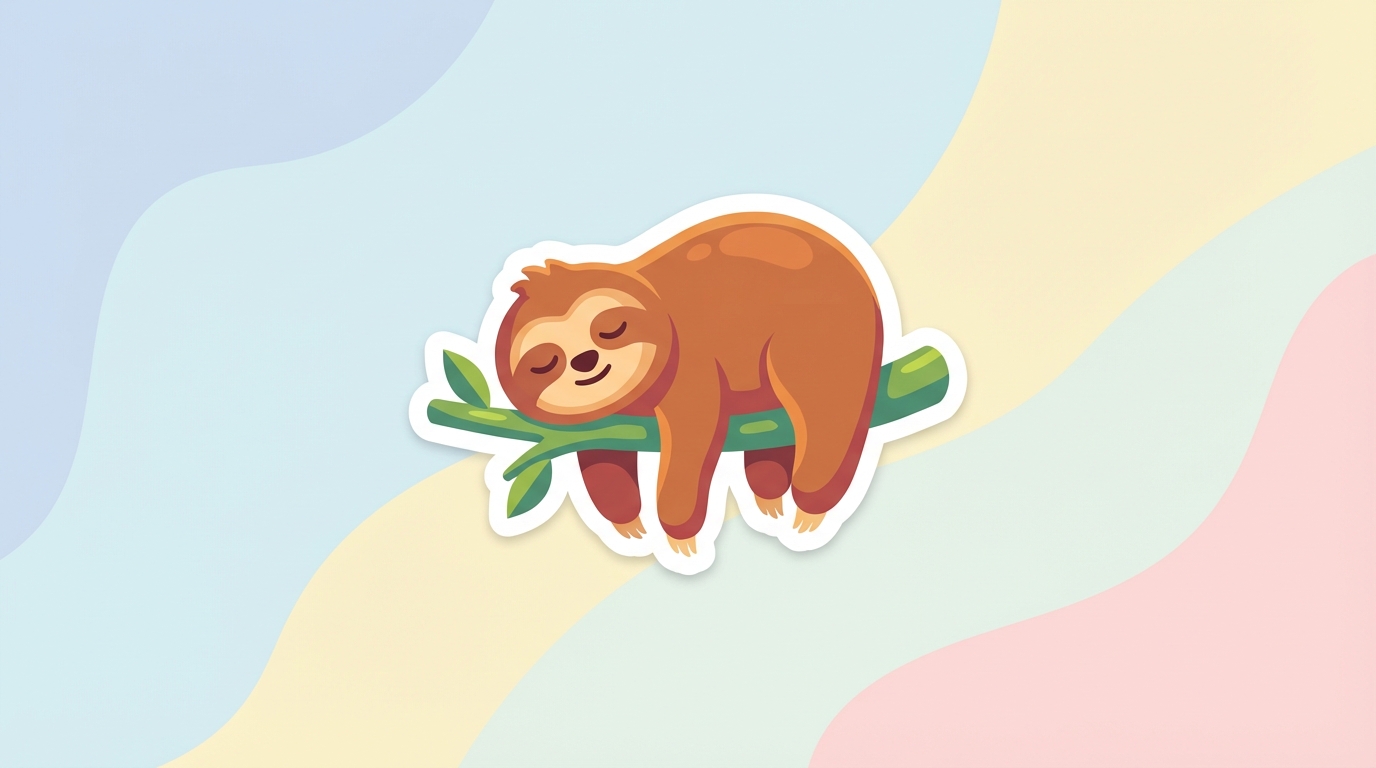
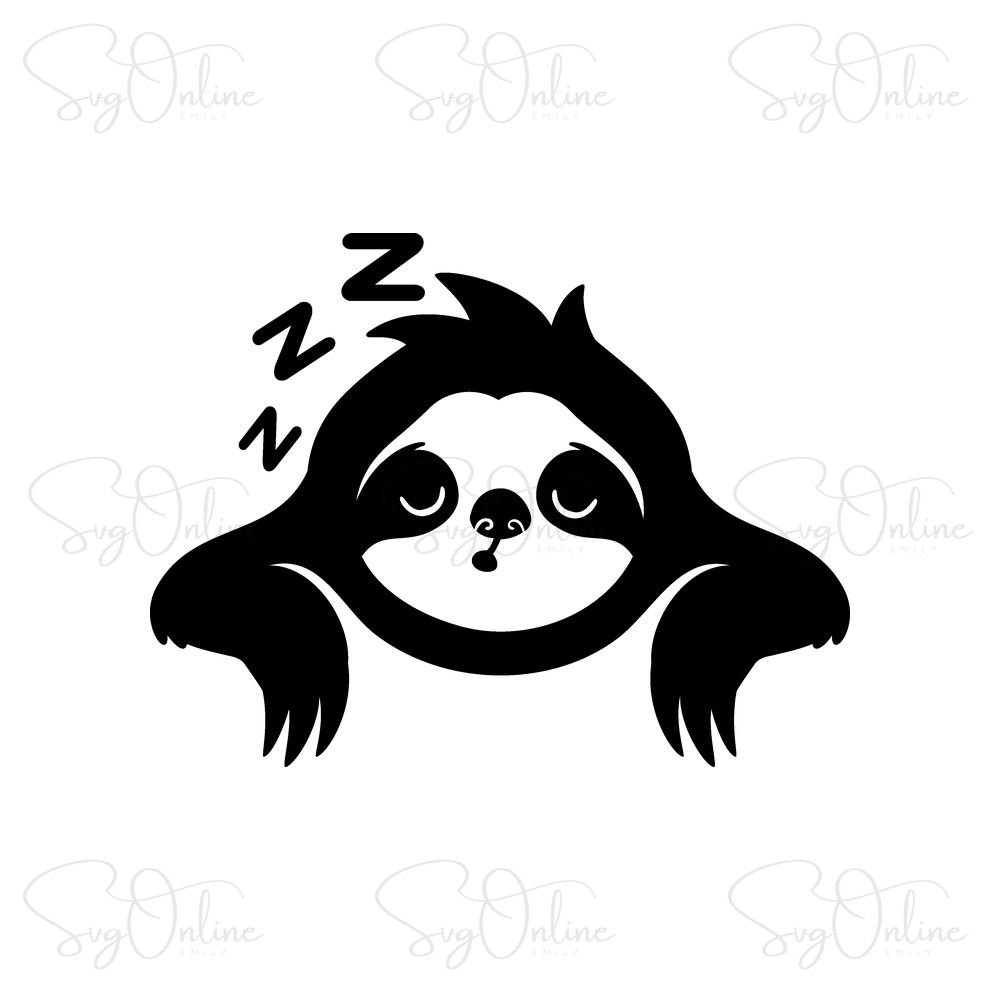
Looking for the perfect Free Sloth SVG to add some chill vibes to your crafting projects? You’ve found it! This adorable Sleeping Sloth SVG bundle is ready for immediate download and includes everything you need: SVG files for Cricut, DXF for Silhouette, and PNG for sublimation printing. Whether you’re creating a “Sloth Mode” shirt, a lazy day tote bag, or nursery décor, this commercial-use-friendly design delivers professional results without the premium price tag.
This isn’t just another cute animal clipart—it’s a professionally optimized vector file designed specifically for vinyl cutting and heat transfer applications. Let’s dive into why this sloth design will become your go-to file for relaxed, fun projects!
Why This Sloth SVG Stands Out (Technical Quality You Can Trust)
As experienced digital crafters, we know that not all SVGs are created equal. This Sleeping Sloth design has been meticulously crafted with clean node paths and optimized anchor points, which means:
- Smooth cutting performance – No jagged edges or stray cut lines that waste material
- Easy weeding – Strategic spacing between design elements makes vinyl removal effortless, even for beginners
- Layered vector structure – Each element (sloth body, face details, text) is properly grouped for multi-color projects
- Scalable without quality loss – Resize from small (2″ stickers) to large (12″ shirt designs) with zero pixelation
The “Sloth Mode” and “Lazy Mode” text variations use clean, readable fonts that cut beautifully in both HTV and adhesive vinyl. We’ve tested this file on both Cricut Maker and Silhouette Cameo 4, and the cutting precision is flawless—no mat resticking or blade adjustments needed.

Project Inspiration: Creative Ways to Use Your Sloth SVG
This versatile design works beautifully across multiple crafting applications. Here are some tested project ideas from our crafting community:
1. Lazy Day Loungewear Collection
Create a matching pajama set with “Sloth Mode Activated” on adult shirts and “Baby Sloth” on toddler onesies. The design scales perfectly for family matching sets. Use soft Siser EasyWeed for that buttery-soft feel against skin.
2. Work-From-Home Office Décor
Cut the sleeping sloth in matte black vinyl for your laptop, water bottle, or office door sign. The humorous “Lazy Mode” message resonates perfectly with remote workers and students.
3. Nursery & Kids Room Projects
This gentle, sleeping sloth makes adorable nursery wall art. Try cutting it in soft pastels (mint, blush pink, or lavender) on wood rounds or canvas panels. The calming imagery fits perfectly with woodland or jungle-themed nurseries.
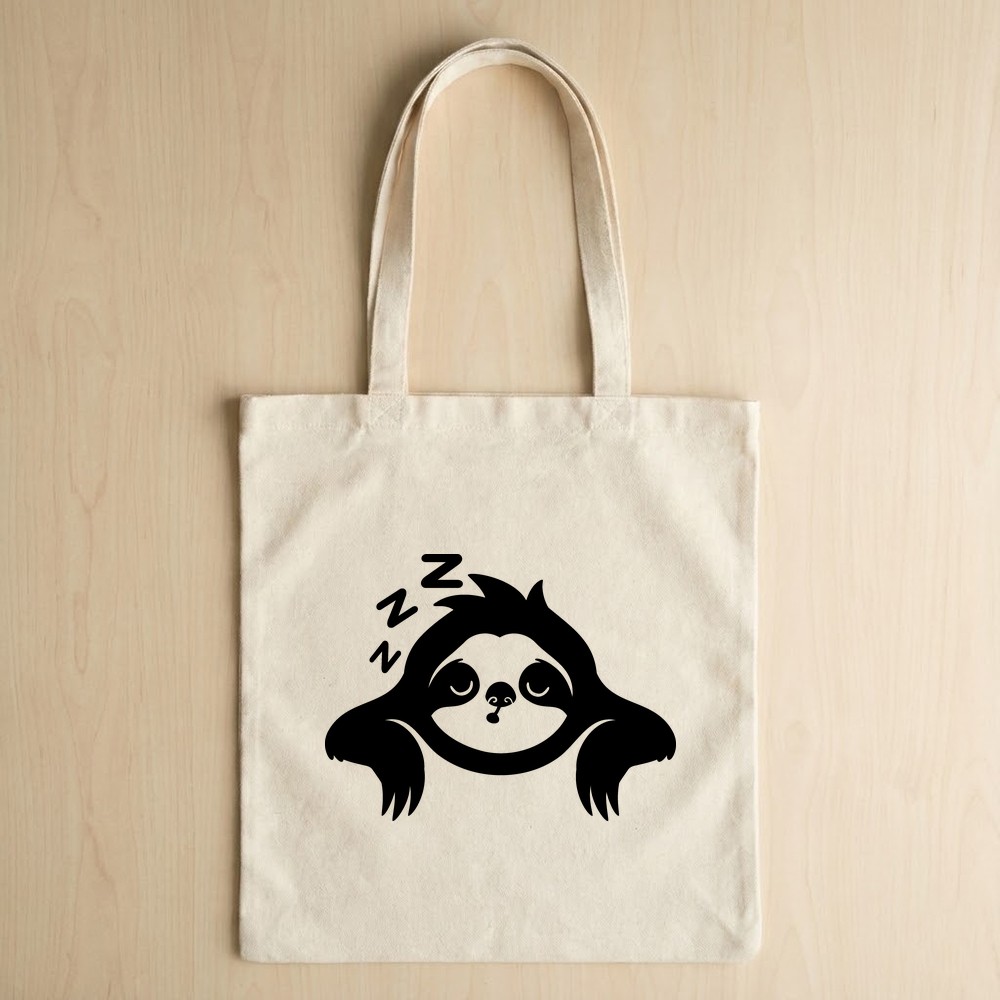
4. Tote Bags & Market Bags
Iron the design onto natural canvas tote bags for a quirky, eco-friendly shopping bag. The sloth theme adds personality while the message keeps things lighthearted. Perfect for teacher gifts or book club members!
Expand Your Free SVG Library
Love collecting high-quality free designs? While we’re proud of our curated collection here at SVG Online, we always encourage crafters to build diverse design libraries. If you’re hunting for more premium-quality freebies across different themes and styles, we recommend you explore high-quality design resources that offer regularly updated free vector collections. Having variety ensures you’ll always have the perfect file for any project inspiration that strikes!
Technical Specifications & What’s Inside Your Download
When you download this Free Sloth SVG bundle, you’ll receive a professionally packaged ZIP file containing:
- SVG Files – Fully compatible with Cricut Design Space, Silhouette Studio Designer Edition, and all major cutting software. Perfect for vinyl cutting, layered projects, and scalable designs.
- PNG Files (High Resolution 300 DPI) – Transparent background PNGs ideal for sublimation printing, printable stickers, digital planners, and print-then-cut projects.
- DXF Files – Specifically formatted for Silhouette Studio Basic Edition users who don’t have SVG import capability.
- Multiple Design Variations – Includes “Sleeping Sloth,” “Sloth Mode,” “Lazy Sloth,” and “Lazy Mode” text options so you can mix and match for different projects.
File Size: Optimized for quick download (under 5MB)
Design Dimensions: Scalable vector (recommended cutting size: 6-10 inches wide)
Complexity Level: Beginner-friendly with moderate detail
Weeding Difficulty: Easy (no intricate internal cuts)
License & Usage Rights
Free for Personal and Commercial Use. You have full permission to:
- Create physical products to sell (shirts, mugs, decals, etc.)
- Use in Print on Demand platforms (Etsy, Redbubble, Merch by Amazon)
- Include in client projects if you’re a professional crafter or designer
- Make unlimited personal projects for yourself, friends, and family
Restrictions: You may NOT resell, redistribute, share, or claim ownership of the digital file itself. The SVG file cannot be resold as a digital download or included in design bundles for resale. Physical products only.
Frequently Asked Questions
Is this Sloth SVG easy to weed for beginners?
Absolutely! The design features well-spaced elements with no tiny, intricate cutouts that typically cause weeding frustration. The sloth’s body is a solid shape, and the facial features are sized generously for easy vinyl removal. We’d rate this as a beginner-friendly design, perfect for those still building their weeding confidence.
Can I use this Sloth SVG for Print on Demand services?
Yes! This file is licensed for commercial use, including POD platforms like Etsy, Printful, Printify, Redbubble, and Merch by Amazon. Use the PNG files for direct printing applications, or upload the SVG to services that accept vector files for maximum print quality.
Will this file work with my Cricut Joy or Silhouette Portrait?
Yes! The design scales beautifully down to smaller dimensions (we’ve successfully cut it at 3″ wide). For smaller machines like Cricut Joy or Silhouette Portrait, you may want to simplify extremely small details if you’re working with intricate vinyl, but the overall design adapts perfectly to compact cutting mats.
What material settings should I use for cutting this design?
For standard adhesive vinyl (Oracal 651 or Cricut vinyl), use your machine’s “Vinyl” setting. For heat transfer vinyl (HTV), select the appropriate material in your software—typically “Iron-On” for Cricut or the HTV setting for Silhouette. The clean vector paths cut beautifully at default pressure settings, though always do a test cut first with new materials.
Happy Crafting! We hope this Free Sloth SVG brings some laid-back charm to your next project. Don’t forget to share your creations with the crafting community—we love seeing how you bring these designs to life. If you found this file helpful, bookmark our site for more free, high-quality SVG files tested by real crafters for real projects.